Odoo and Google Workspace for everyday work
APKO connects Odoo with Gmail, Google Calendar, and corporate Google accounts. Each capability is implemented separately: we define the workflow, access permissions, data to exchange, and support procedures.
Odoo and Google Workspace for everyday work
APKO connects Odoo with Gmail, Google Calendar, and corporate Google accounts. Each capability is implemented separately: we define the workflow, access permissions, data to exchange, and support procedures.
Tasks you can connect with Google Workspace
Integrations help employees work with Google email, appointments, and accounts while keeping required actions and business data in Odoo.

Email workflows without manual data transfer
The Gmail plugin creates Odoo contacts, opportunities, tasks, or tickets from selected emails, avoiding repeated entry of key information.

Meetings in both calendars
Two-way synchronization aligns Odoo Calendar and Google Calendar events. Created and updated appointments become available in both systems.

Sign in with your Google work account
After Google Sign-In setup, employees can log in with corporate accounts. App and record access remains controlled by Odoo permissions.

Controlled email and attachment handling
Corporate Gmail can be connected through OAuth. In supported environments, attachments from email and Odoo discussions can also be stored in Google Cloud Storage.
Tasks you can connect with Google Workspace
Integrations help employees work with Google email, appointments, and accounts while keeping required actions and business data in Odoo.
Email workflows without manual data transfer
The Gmail plugin creates Odoo contacts, opportunities, tasks, or tickets from selected emails, avoiding repeated entry of key information.
Meetings in both calendars
Two-way synchronization aligns Odoo Calendar and Google Calendar events. Created and updated appointments become available in both systems.
Sign in with your Google work account
After Google Sign-In setup, employees can log in with corporate accounts. App and record access remains controlled by Odoo permissions.
Controlled email and attachment handling
Corporate Gmail can be connected through OAuth. In supported environments, attachments from email and Odoo discussions can also be stored in Google Cloud Storage.
Which integrations Odoo supports
Google Workspace does not connect to Odoo through a single setting. Email, calendars, authentication, and external storage use separate components and credentials.
Which integrations Odoo supports
Google Workspace does not connect to Odoo through a single setting. Email, calendars, authentication, and external storage use separate components and credentials.
 Gmail plugin
The plugin connects the user's mailbox to Odoo. Open related records or create new work items from a selected email.
 Google Calendar
Synchronization lets users view and edit appointments in Odoo and Google Calendar. Existing events, time zones, and accounts are checked before launch.
 Sign in with Google
Google Sign-In authenticates employees in Odoo. Setup includes a Google Cloud project, client ID, and authorized redirect URIs.
 Gmail through OAuth
OAuth securely connects a Gmail account to Odoo mail servers without storing the user's password in mail server settings.
 Google Cloud Storage
External storage places Odoo email and discussion attachments in Google Cloud Storage rather than on the database server. This does not synchronize users' Google Drive folders.
Gmail plugin
The plugin connects the user's mailbox to Odoo. Open related records or create new work items from a selected email.
Google Calendar
Synchronization lets users view and edit appointments in Odoo and Google Calendar. Existing events, time zones, and accounts are checked before launch.
Sign in with Google
Google Sign-In authenticates employees in Odoo. Setup includes a Google Cloud project, client ID, and authorized redirect URIs.
Gmail through OAuth
OAuth securely connects a Gmail account to Odoo mail servers without storing the user's password in mail server settings.
Google Cloud Storage
External storage places Odoo email and discussion attachments in Google Cloud Storage rather than on the database server. This does not synchronize users' Google Drive folders.
Odoo and Google Workspace use cases
- Sales
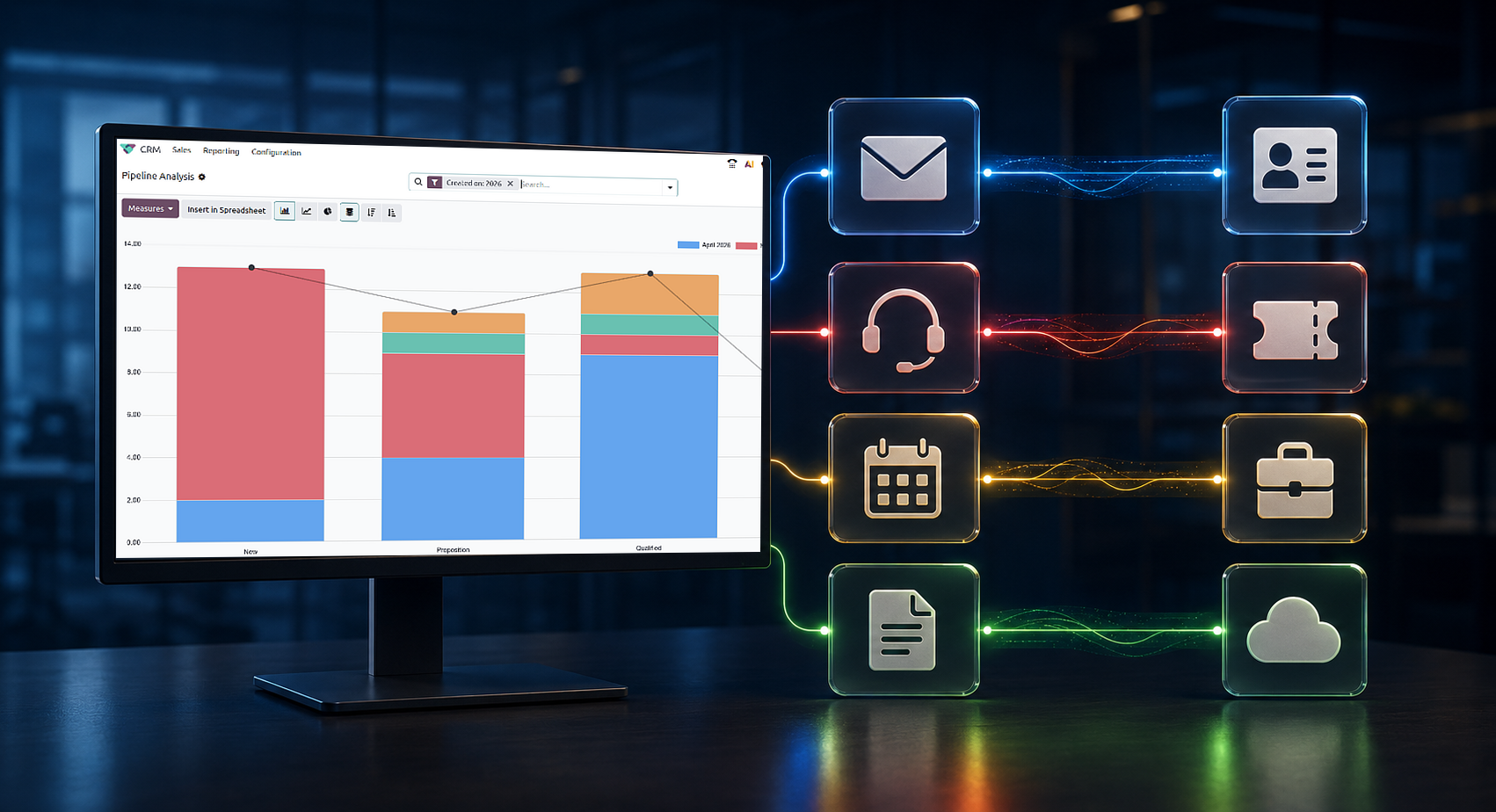
A salesperson receives an email in Gmail and creates an Odoo contact or opportunity from it. Further opportunity management takes place in CRM.
- Customer support
Create an Odoo Helpdesk ticket from an inquiry opened in Gmail. Email content provides the starting context for the assigned employee.
- Projects and tasks
Turn emails into Odoo tasks and synchronize project meetings with Google Calendar, reducing manual switching between email, calendar, and projects.
- Administration
Google Sign-In simplifies employee login, Gmail OAuth connects corporate email, and Google Cloud Storage handles attachment storage where configured.
Odoo and Google Workspace use cases
- Sales
A salesperson receives an email in Gmail and creates an Odoo contact or opportunity from it. Further opportunity management takes place in CRM.
- Customer support
Create an Odoo Helpdesk ticket from an inquiry opened in Gmail. Email content provides the starting context for the assigned employee.
- Projects and tasks
Turn emails into Odoo tasks and synchronize project meetings with Google Calendar, reducing manual switching between email, calendar, and projects.
- Administration
Google Sign-In simplifies employee login, Gmail OAuth connects corporate email, and Google Cloud Storage handles attachment storage where configured.
What to define before connecting
Even standard features require coordinated account, permission, and workflow configuration.

We define what employees do in Gmail or Google Calendar and what data should appear in Odoo.

Accounts and permissions
We define the Google Cloud project, responsible administrators, integration users, and minimum required scopes.

Data management rules
We agree on the emails, events, and attachments involved, who can view them, and where master information is stored.

Operations and changes
We assign integration owners and define procedures for account changes, revoked permissions, configuration updates, and synchronization errors.
What to define before connecting
Even standard features require coordinated account, permission, and workflow configuration.
We define what employees do in Gmail or Google Calendar and what data should appear in Odoo.
Accounts and permissions
We define the Google Cloud project, responsible administrators, integration users, and minimum required scopes.
Data management rules
We agree on the emails, events, and attachments involved, who can view them, and where master information is stored.
Operations and changes
We assign integration owners and define procedures for account changes, revoked permissions, configuration updates, and synchronization errors.
How APKO connects Google Workspace to Odoo
How APKO connects Google Workspace to Odoo
1
We review your Odoo and Google Workspace configuration and identify the users, workflows, and constraints involved. We select only the integrations needed for the agreed process.
2
We configure credentials and permissions, connect the selected features, and test them with pilot users. We also verify calendar events, access rights, and behavior when authorization is revoked.
3
We move the tested configuration into production, monitor initial operations, and provide instructions for administrators and users. Subsequent changes follow the established access model.
1
We review your Odoo and Google Workspace configuration and identify the users, workflows, and constraints involved. We select only the integrations needed for the agreed process.
2
We configure credentials and permissions, connect the selected features, and test them with pilot users. We also verify calendar events, access rights, and behavior when authorization is revoked.
3
We move the tested configuration into production, monitor initial operations, and provide instructions for administrators and users. Subsequent changes follow the established access model.