
Creatio implementation, configuration, and integration
We configure processes, interfaces, and analytics with Creatio Studio, deploy the platform in the required environment, and integrate it with corporate systems.
Creatio implementation, configuration, and integration
We configure processes, interfaces, and analytics with Creatio Studio, deploy the platform in the required environment, and integrate it with corporate systems.
Turning the target model into a working Creatio system
During implementation, approved processes become workspaces, records, business rules, workflows, notifications, and reports. Configuration proceeds in iterations, allowing the customer to see results and test key scenarios before the project is complete.
In parallel, we prepare the infrastructure and integrations so Creatio becomes a unified workspace that connects with your other systems.

Turning the target model into a working Creatio system
During implementation, approved processes become workspaces, records, business rules, workflows, notifications, and reports. Configuration proceeds in iterations, allowing the customer to see results and test key scenarios before the project is complete.
In parallel, we prepare the infrastructure and integrations so Creatio becomes a unified workspace that connects with your other systems.
Three areas of Creatio implementation

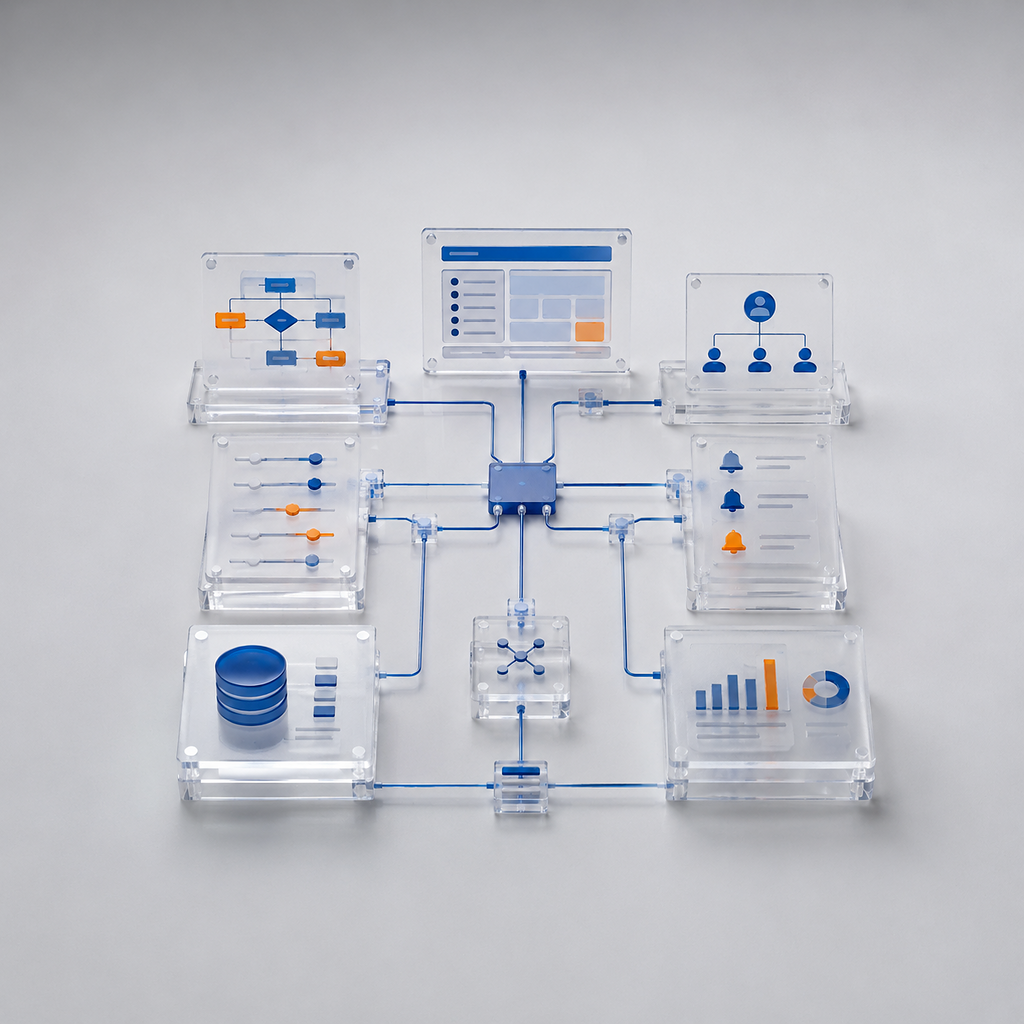
No-code configuration
We configure pages, business rules, routing, notifications, and analytics with Creatio Studio.
Deployment on your own infrastructure
We install the platform in a restricted IT environment, meeting security, performance, and resilience requirements.

Enterprise system integrations
We connect Creatio with ERP, ESB, telephony, email, and legacy systems for reliable data exchange.
Three areas of Creatio implementation
No-code configuration
We configure pages, business rules, routing, notifications, and analytics with Creatio Studio.
Deployment on your own infrastructure
We install the platform in a restricted IT environment, meeting security, performance, and resilience requirements.
Enterprise system integrations
We connect Creatio with ERP, ESB, telephony, email, and legacy systems for reliable data exchange.

Develop Creatio without constant reliance on developers
Creatio Studio tools configure records, sections, pages, business rules, workflows, notifications, and dashboards. Routine changes can be released faster without a separate development project for every process adjustment.
After handover, the customer's trained team can independently develop standard scenarios within the agreed architectural rules.
Develop Creatio without constant reliance on developers
Creatio Studio tools configure records, sections, pages, business rules, workflows, notifications, and dashboards. Routine changes can be released faster without a separate development project for every process adjustment.
After handover, the customer's trained team can independently develop standard scenarios within the agreed architectural rules.
From prototype to a complete Creatio solution
Implementation proceeds in short, controlled iterations. At every stage, we demonstrate results, agree on changes, and confirm readiness for the next step.

2. Platform configuration
We configure sections, business rules, workflows, notifications, roles, and analytics in Creatio Studio.
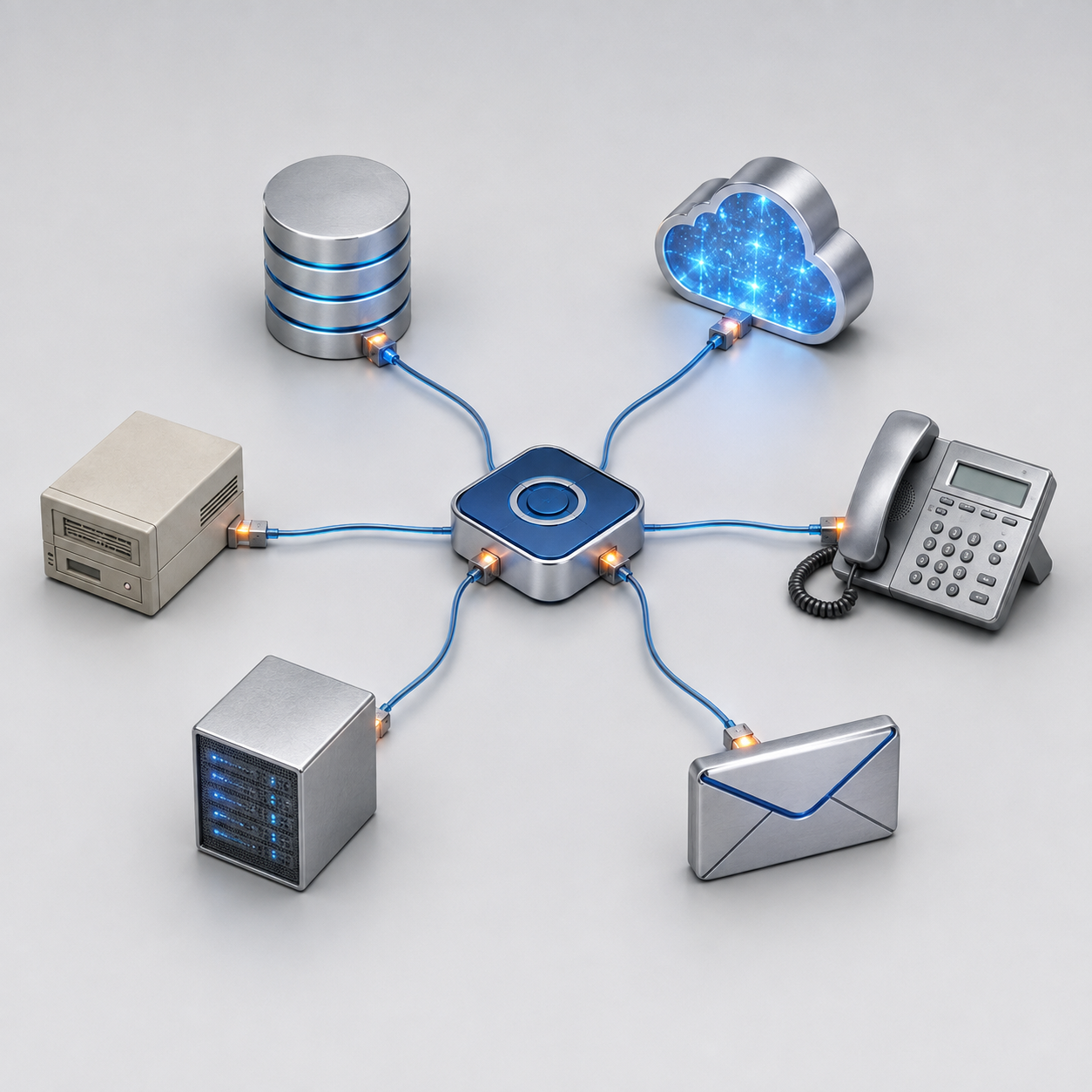
Integration architecture
We connect ERP, enterprise service buses, telephony, email, and legacy systems, with data exchange, error handling, and integration monitoring.
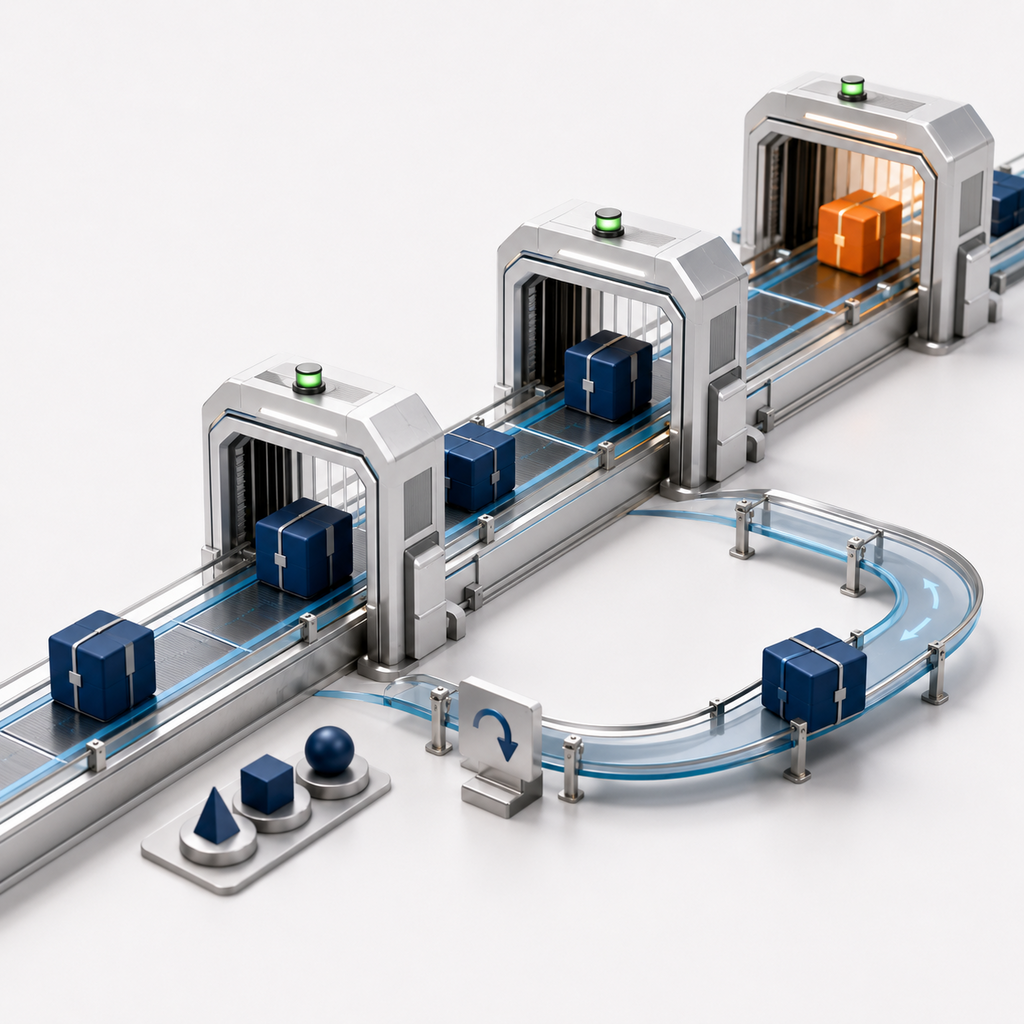
Change and release management
We version configurations, move packages between environments, and track the contents of each release to keep changes manageable and reversible.
Testing and acceptance
We run functional, integration, and regression tests, resolve issues, and hand over for final customer acceptance.
Prototyping
We build key pages, records, and processes, test user scenarios, and agree on the solution logic before full configuration.
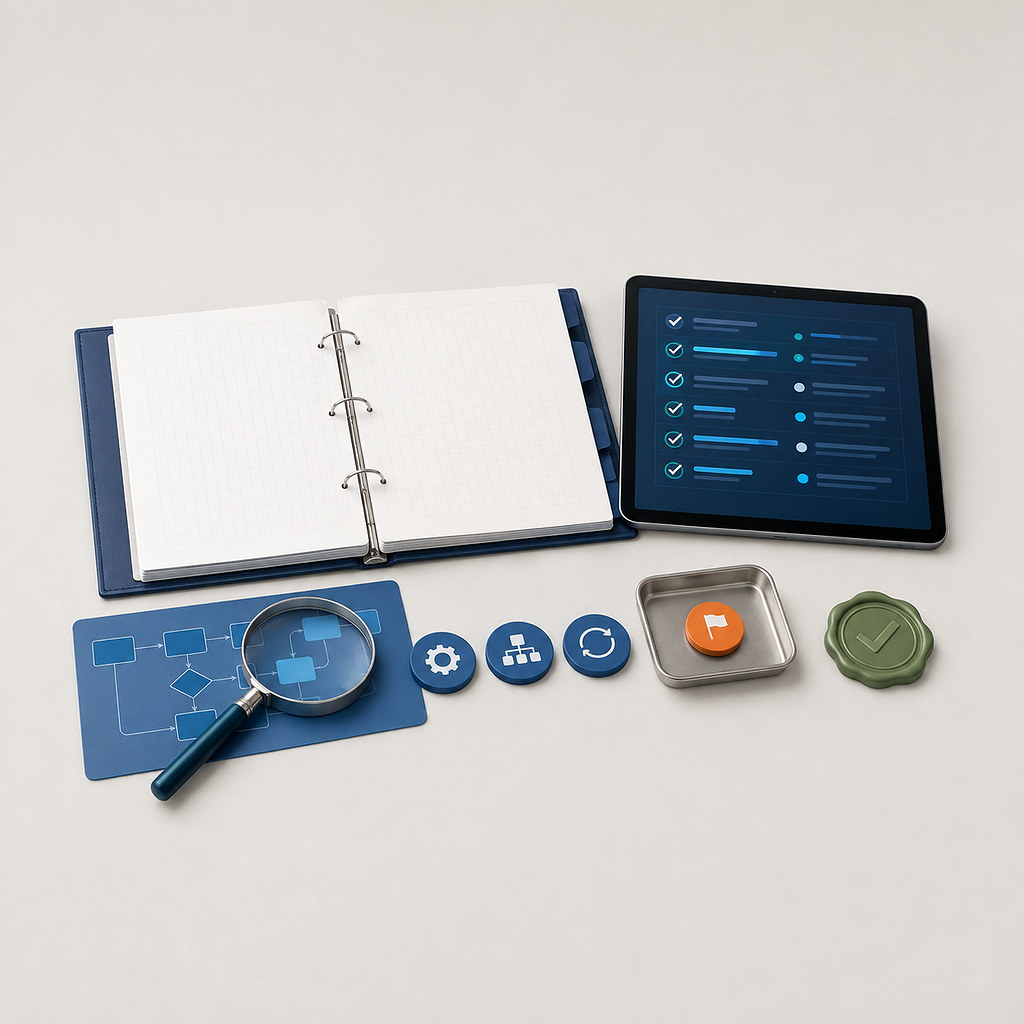
From prototype to a complete Creatio solution
Implementation proceeds in short, controlled iterations. At every stage, we demonstrate results, agree on changes, and confirm readiness for the next step.
2. Platform configuration
We configure sections, business rules, workflows, notifications, roles, and analytics in Creatio Studio.
Integration architecture
We connect ERP, enterprise service buses, telephony, email, and legacy systems, with data exchange, error handling, and integration monitoring.
Change and release management
We version configurations, move packages between environments, and track the contents of each release to keep changes manageable and reversible.
Testing and acceptance
We run functional, integration, and regression tests, resolve issues, and hand over for final customer acceptance.
Prototyping
We build key pages, records, and processes, test user scenarios, and agree on the solution logic before full configuration.
Practical questions about Creatio implementation
From no-code configuration and deployment in a private environment to integration control, upgrades, and handover to the customer's team.
Creatio Studio configures sections, pages, fields, business rules, processes, approvals, notifications, roles, dashboards, and reporting.
Nonstandard interfaces, complex algorithms, and specialized integration components may require development. No-code boundaries are defined during solution design.
We first define infrastructure, performance, security, and resilience requirements. We then prepare development, test, and production environments, install the platform, and configure services.
We also verify backups, monitoring, network connectivity, and system recovery after failures.
We identify source systems, data owners, exchange directions, and frequency. Each interaction has defined data, transformation rules, and an interface contract.
We then configure integration services, queues, schedules, and controls to prevent duplication and data loss.
Integration operations are recorded in logs and monitoring systems. Temporary errors use retries, processing queues, and notifications to responsible employees.
Critical failures are logged separately and escalated with the technical information needed to restore data exchange.
Changes are packaged in versioned releases and moved sequentially through development, test, and production environments.
Before release, we assess impact, back up data, and run regression tests. Every release has deployment and rollback plans.
The customer receives the configured system, configuration packages, architecture documentation, integration and data diagrams, administrator and user guides, and test reports.
We also train the team, transfer knowledge, and agree on ongoing support and development procedures.
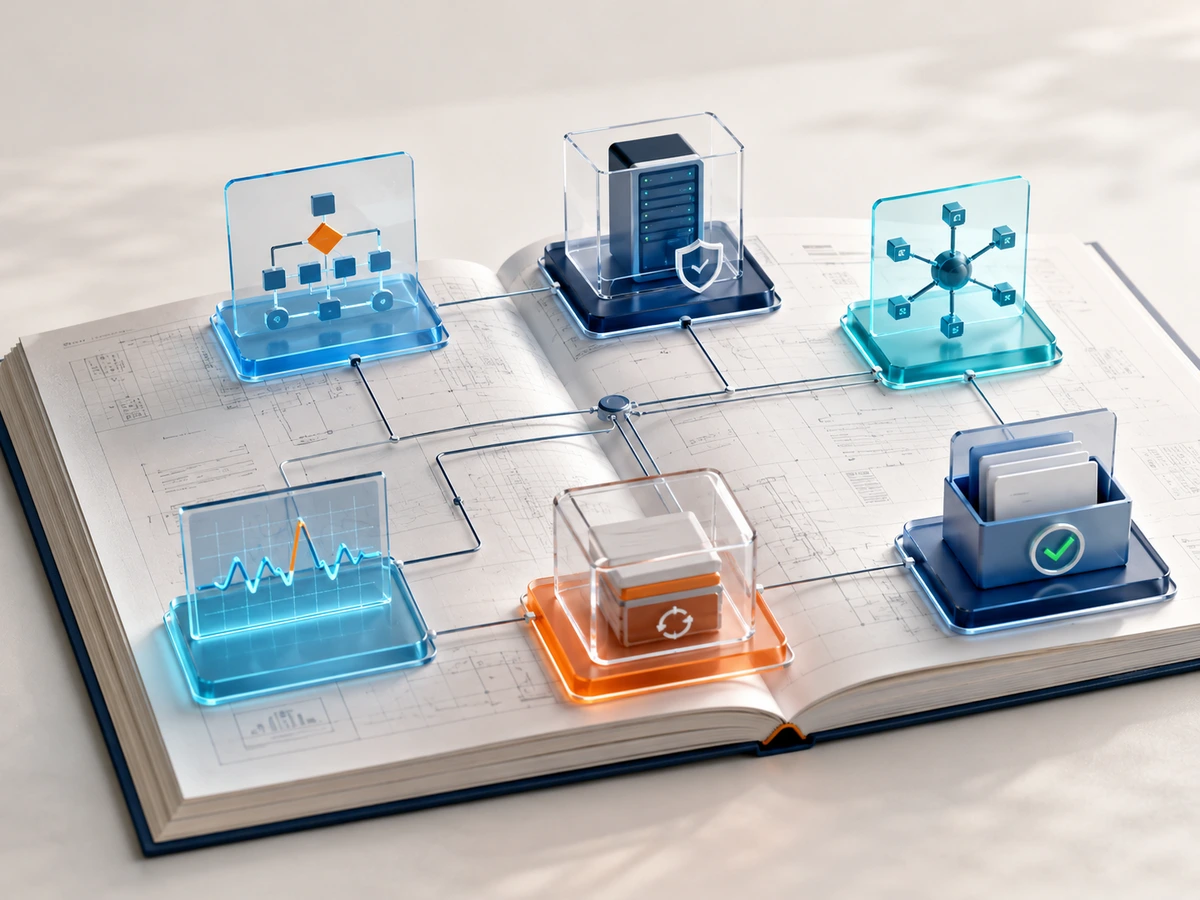
Practical questions about Creatio implementation
From no-code configuration and deployment in a private environment to integration control, upgrades, and handover to the customer's team.
Creatio Studio configures sections, pages, fields, business rules, processes, approvals, notifications, roles, dashboards, and reporting.
Nonstandard interfaces, complex algorithms, and specialized integration components may require development. No-code boundaries are defined during solution design.
We first define infrastructure, performance, security, and resilience requirements. We then prepare development, test, and production environments, install the platform, and configure services.
We also verify backups, monitoring, network connectivity, and system recovery after failures.
We identify source systems, data owners, exchange directions, and frequency. Each interaction has defined data, transformation rules, and an interface contract.
We then configure integration services, queues, schedules, and controls to prevent duplication and data loss.
Integration operations are recorded in logs and monitoring systems. Temporary errors use retries, processing queues, and notifications to responsible employees.
Critical failures are logged separately and escalated with the technical information needed to restore data exchange.
Changes are packaged in versioned releases and moved sequentially through development, test, and production environments.
Before release, we assess impact, back up data, and run regression tests. Every release has deployment and rollback plans.
The customer receives the configured system, configuration packages, architecture documentation, integration and data diagrams, administrator and user guides, and test reports.
We also train the team, transfer knowledge, and agree on ongoing support and development procedures.